Search fields and filters
← Previous · Guide home · Topic index · Download PDF · Next →
The advanced controls let you narrow a search by words, dates, sellers, and listing characteristics. Use the screenshot as a map of the available fields.
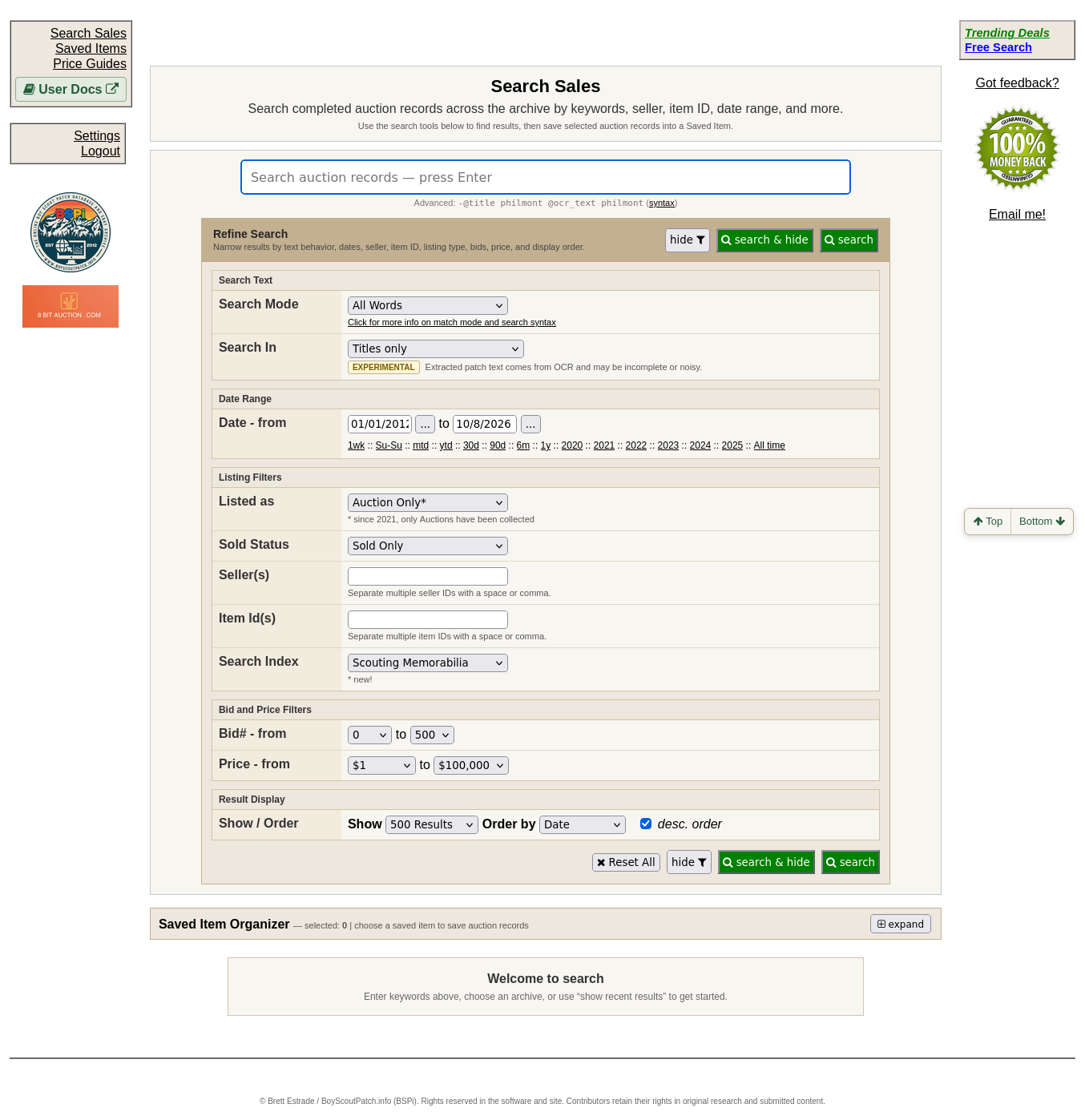
Refine Search groups controls for words, dates, sellers, item IDs, listing types, bids, prices, and result ordering. Change one or two options at a time to see how they narrow your search.
Continue below for step-by-step instructions and examples ↓
BSPi's public feature description lists searching by keywords, seller, item ID, date range, price, and bid count. These are useful when a broad search returns too many results.
For example, begin with a recognizable OA lodge number or camp name, then narrow by date or price to compare a more relevant group of historical transactions. An item ID can help locate a specific marketplace record when you already know it.
Avoid treating a high bid count as proof of rarity or a high price as proof that every similar-looking item is valuable. Review the underlying item and its context.
For an explanation of each field, see Refining a Search. Review the selected values before submitting the search.