Getting help
← Previous · Guide home · Topic index · Download PDF · Next →
Support is accessible through the member interface. The instructions below explain what information to include in a useful report.
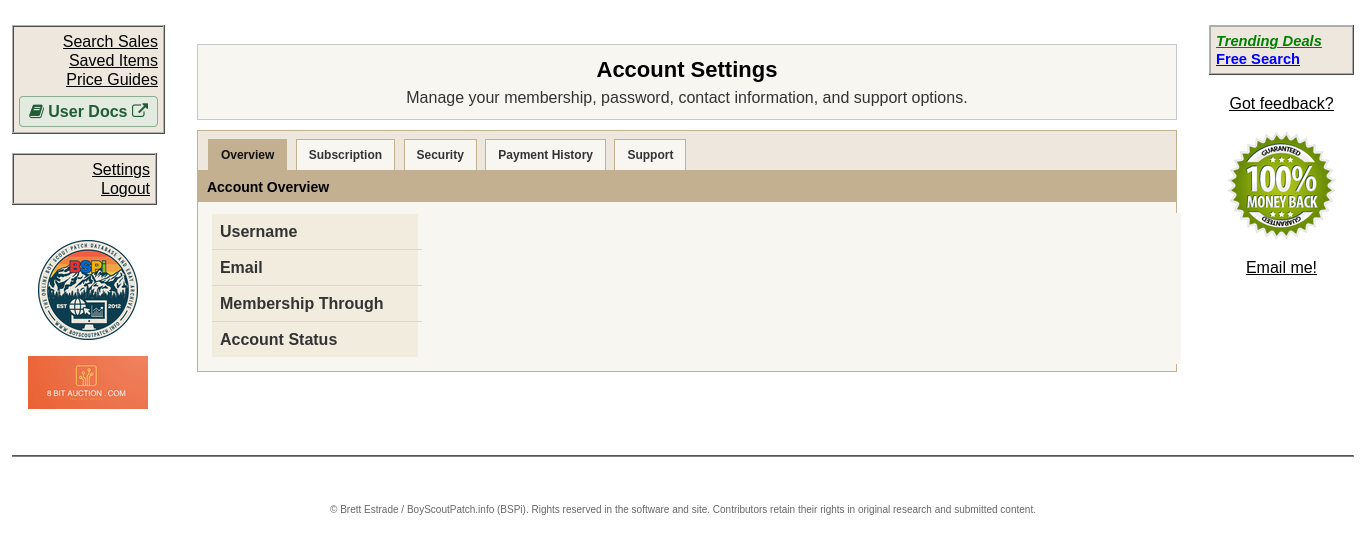
You can find help through the Support section of Settings. When reporting a problem, include the page address, what happened, your browser and operating system, and steps to reproduce it.
Continue below for step-by-step instructions and examples ↓
For account, subscription, password recovery, or research-tool problems, email support@boyscoutpatch.info.
For a useful support request, include your BSPi username (not your password), a short description of what you were trying to do, the relevant page or item ID, and what happened instead. If applicable, include a screenshot with personal or payment information hidden.
For password problems, start with password reset. For billing questions, see membership and cancellation.
Never email passwords or complete payment-card information.
Reporting a technical problem
When something does not work—such as a search result, image preview, individual item page, or navigation control—please include as much of the following as you can:
- What you were trying to do, and what happened instead.
- The page URL or item ID where the problem occurred.
- Steps to reproduce it, starting from a known page when possible.
- Your operating system (for example, Windows, macOS, iOS, Android, or Linux) and version if known.
- Your browser (for example, Firefox, Chrome, Safari, or Edge) and version if known.
- A screenshot showing the problem, if possible, with sensitive information removed.
- Approximately when it occurred, especially if it is intermittent.
You do not need to know every technical detail to ask for help. A clear description and a link to the affected item are already useful. Do not include passwords, session cookies, or payment-card information.