Annotate images and identify collectibles
← Previous · Guide home · Topic index · Download PDF · Next →
The Image Annotation workspace lets you examine auction photographs individually and record identifying details. Use it to distinguish varieties, describe mixed lots, and supplement the seller's title with evidence visible in the image.
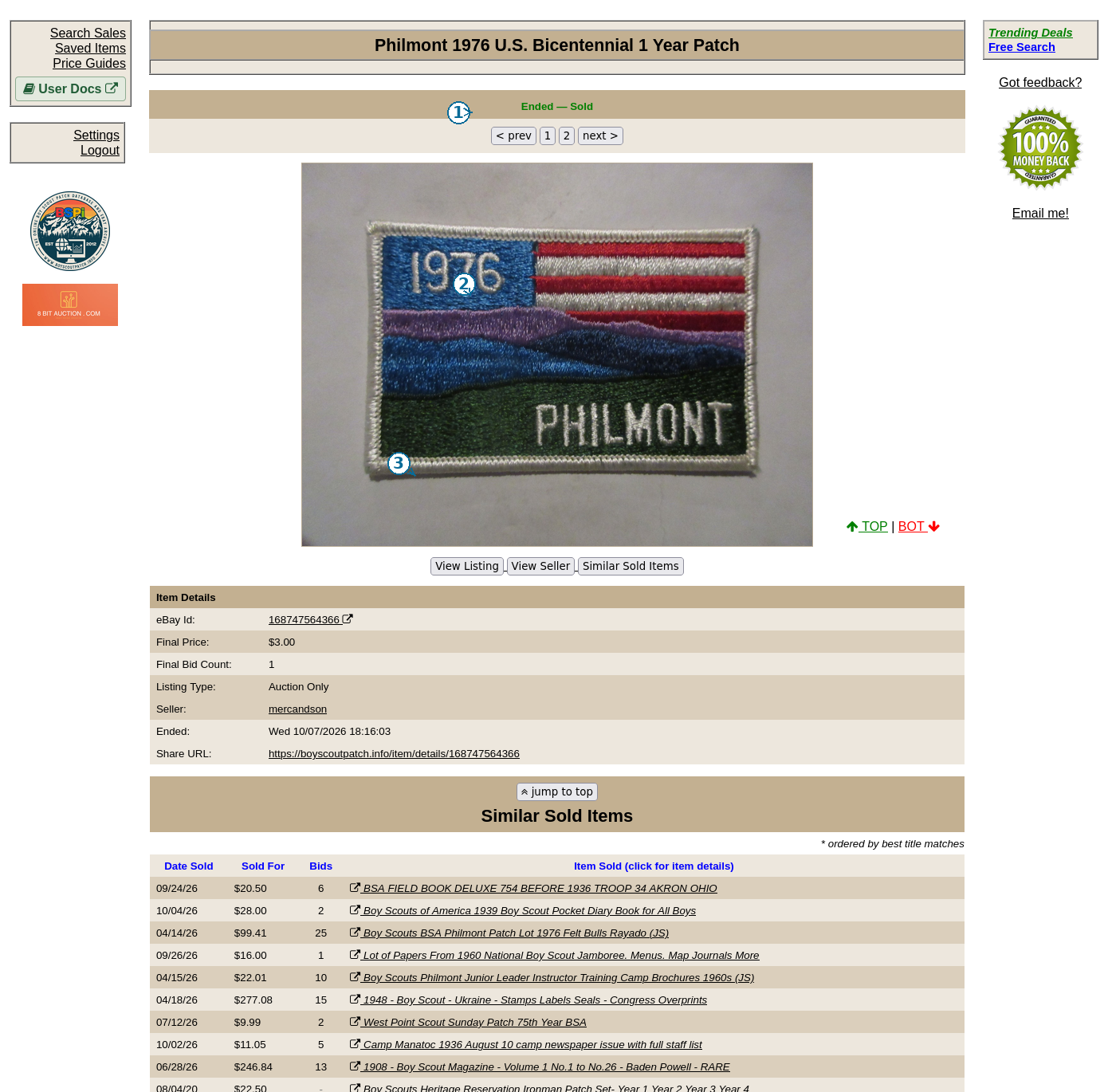
Begin by studying the archived photographs. This picture shows an item-detail view; the separate Image Annotation workspace opens from Saved Item Sales Data.
Open the workspace
In Saved Items, select manage sales data. Check specific records and choose annotate selected, or choose annotate all to work through the Saved Item.
The workspace displays thumbnails, a larger current photograph, and an annotation form. Use Prev Image, Next Image, Prev Item, and Next Item to move through the queue. You can jump to an auction position or an eBay item ID.
Describe what the photograph shows
Begin with Description and Short caption. Choose the Primary type to distinguish patches, neckerchiefs, slides, buckles, books, medals, pins, and other objects. If the image shows a lot, mark it as such and enter an object count when known.
Other identifying fields cover years, anniversaries, OA lodges and numbers, councils and numbers, camps or properties, major events, and PatchScan references. Record a fact only when the photograph or reliable supporting evidence justifies it.
Use the Status and exclusion controls when an image is irrelevant, duplicated, or otherwise unsuitable for the study. A photograph showing several different objects should not automatically become a comparable sale for one of them.
Save deliberately
The workspace provides Save, Save + Prev, and Save + Next, alongside navigation that does not save. Check the status message before leaving an image.
Reuse details carries identifying fields forward to images without saved annotations. Use it cautiously when reviewing different issues; inspect the proposed values before saving. An existing saved annotation takes precedence over carried-forward values.
Annotations are private working notes. They can improve identification without making uncertain years, issue attributions, or authenticity judgments certain. After reviewing the queue, return to Sales Data and your Price Guide.