Canceling or managing a subscription
← Previous · Guide home · Topic index · Download PDF · Next →
The Settings navigation is where members can find subscription-related information. Locate the relevant tab before reviewing the cancellation instructions below.
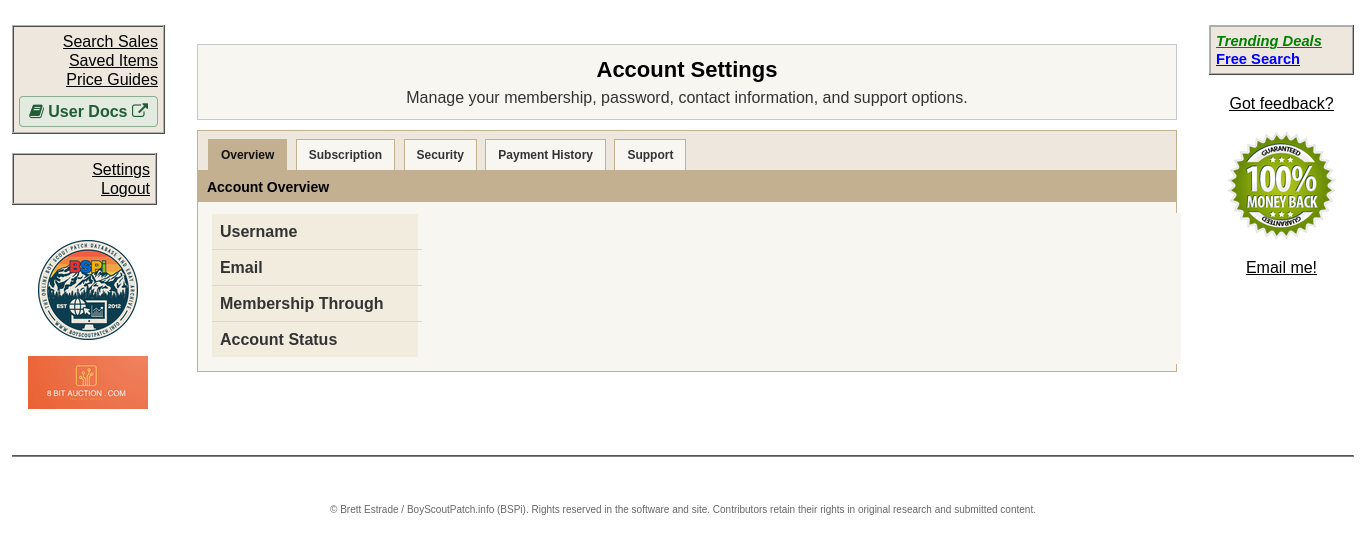
The Settings navigation includes a Subscription section. Open it to review membership and cancellation information; the account details are hidden in this illustration.
Continue below for step-by-step instructions and examples ↓
BSPi publicly advertises that members can cancel anytime. Before canceling, identify whether your subscription was established through PayPal or Stripe, and check the billing or subscription-management options provided with your original payment.
For help identifying or stopping a recurring subscription, contact support@boyscoutpatch.info. Include your username and enough non-sensitive transaction context to locate the membership, but never send a password or complete payment-card details.
Do not assume that logging out, abandoning the account, or simply not using BSPi cancels recurring billing. Retain confirmation from the payment provider or support.
Before canceling, review the current membership expiration date and the confirmation displayed by the payment provider.
What BSPi's Settings page says
The Settings → Subscription page includes an Unsubscribe / Cancel section and states that BSPi access continues until the displayed membership expiration date after cancellation. The page also has a Renew Subscription link. Check the actual account and payment-provider confirmation when canceling.