Signing in to BSPi
← Previous · Guide home · Topic index · Download PDF · Next →
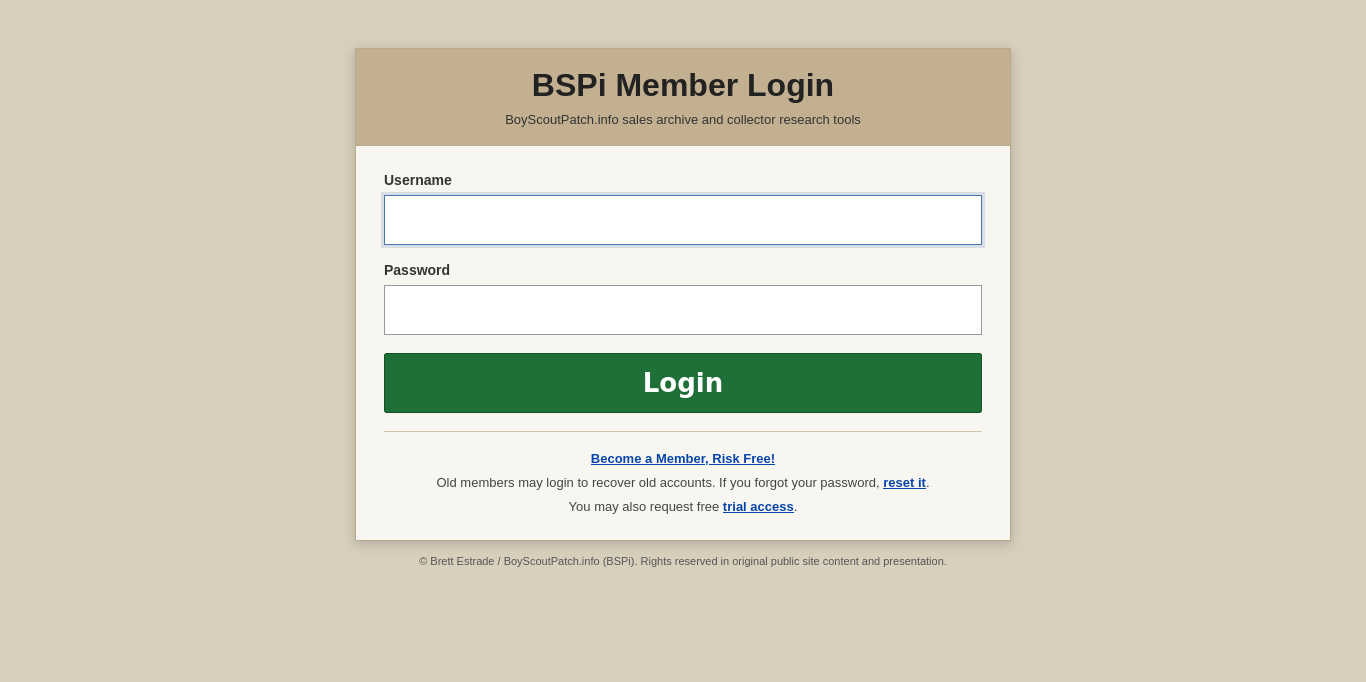
Start at the member login page. The screenshot shows the entry point before you explore the Search Sales interface.
Continue below for step-by-step instructions and examples ↓
BSPi members can sign in through the Member Login page.
- Visit boyscoutpatch.info/login, or choose Member Login from the BSPi homepage.
- Enter your Username.
- Enter your Password.
- Select Login.
- After successful sign-in, BSPi opens the search interface.
If you have forgotten your password, use the reset it link on the login page, which leads to the password-reset workflow.
After signing in
After a successful sign-in, BSPi opens Search Sales at /search.
After signing in
Successful authentication opens the Search Sales page. From the navigation bar, you can visit Saved Items, Price Guides, or Settings, and use Logout when finished. For an introduction to the Search page, see the interface tour.