BSPi Users Guide
Guide home · Topic index · Download PDF · Next →
Choose where to begin. These are the most useful entry points for a new member or someone evaluating BSPi.
This Users Guide explains the features available to BSPi members, with actual screenshots, practical Scouting examples, and step-by-step instructions. If you are considering joining, begin with the Screenshot Tour to see what membership looks like.
Research the history of Scouting memorabilia sales, one item at a time.
BoyScoutPatch.info (BSPi) helps collectors investigate historical marketplace transactions. Whether you found a few patches from childhood, inherited a collection, or regularly buy and sell, start with a question and look for comparable completed sales, not just asking prices.
New to BSPi?
- Sign in or reset your password.
- Learn keyword and advanced OCR search syntax, then start with a simple search and tour the Search interface.
- Learn how to interpret historical prices.
- Choose a use case.
Price Guides and Saved Items
- Explore Advanced Features · Creating and organizing Price Guides
- Creating Saved Items from historical sales
Membership and assistance
Advanced Search
- Search syntax and OCR field expressions — type advanced searches directly into the keyword box.
- Refine Search — use dates, sellers, listing types, bid and price filters.
- Search fields and filters — reference for the expanded controls.
- Finding items through image text (OCR)
This edition focuses on Scouting memorabilia searches and historical sale comparisons.
Desktop and mobile use
BSPi aims to be mobile-friendly where practical. For extensive historical research—especially wide search-result tables, detailed photographs, and comparison of many records—a desktop or laptop with a reasonably large screen generally provides the best experience.
Start with navigating search results, then learn about the image previewer and individual item records.
For a quick alphabetical lookup, see the Index of topics.
Considering a subscription?
Explore What to expect from BSPi membership and Make the most of Search. Both use real interface screenshots and explain what the tools can—and cannot—tell you.
BSPi homepage illustration
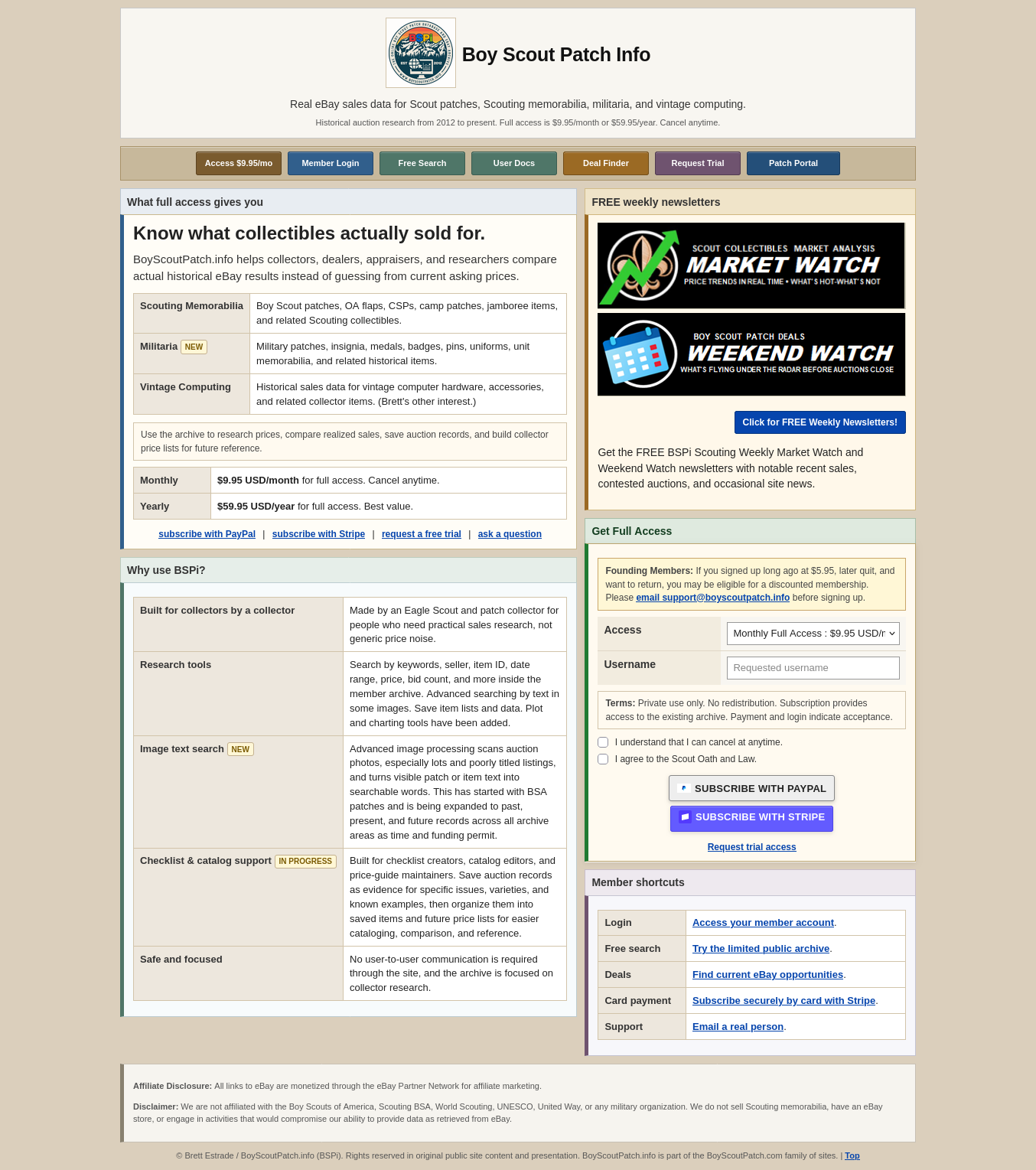
The public homepage offers login, free-search options, membership information, and links into the BSPi resources.