Preview, print, and save a Price Guide proof
← Previous · Guide home · Topic index · Download PDF · Next →
The Price Guide Proof lets you check the sequence, descriptions, and historical sales summaries of a guide before you share it or save a PDF.
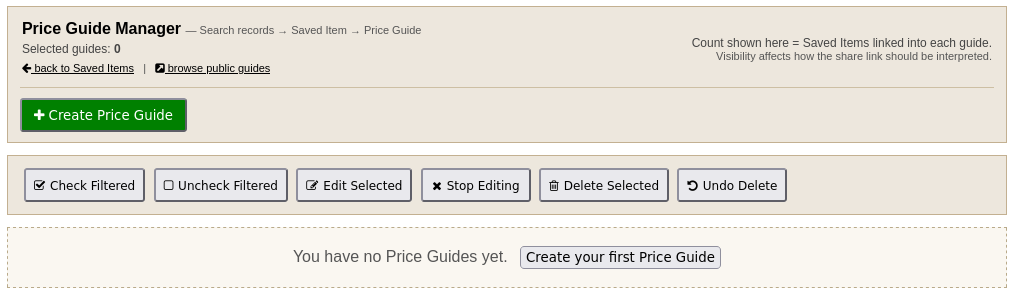
Begin in the Price Guide Manager. After adding Saved Items to a guide, open its editor and select proof / print view.
Open the proof
In Price Guides, open the guide editor and follow proof / print view. A guide without Saved Items produces an empty proof, so first assemble and review its entries.
Choose the right detail
Aggregate only gives a compact summary for each Saved Item, including the number of records, the number sold, median and average sold prices, the observed sold-price range, and average bids. This is useful for reviewing issue order and overall layout.
Aggregate + sales also includes an itemized table showing each archived listing's date, result, price, bids, and title. Use this view to spot a surprising value, a repeated listing, or a sale that does not belong with the others.
Turn on DRAFT watermark when producing working copies. Before distributing a guide, check descriptions, classifications, sold counts, and the arithmetic behind the summaries.
Print or save a PDF
Select Print / Save PDF, then use the browser's print dialog to choose Save as PDF or a printer. Inspect the exported pages for cut-off tables, awkward breaks, missing sections, and readable text. If you change the Saved Items or their sales data, open the proof again and generate a new copy.
A proof summarizes archived observations rather than guaranteeing what another collectible will sell for. Be especially careful not to treat unsold asking prices or mixed lots as comparable single-item realized prices.
Continue with Creating Price Guides, Saved Item Sales Data, and Market Analysis when revising the evidence.