Is this eBay listing a good deal?
← Previous · Guide home · Topic index · Download PDF · Next →
Before deciding whether to buy, inspect the historical item record and its photographs—not just the price.
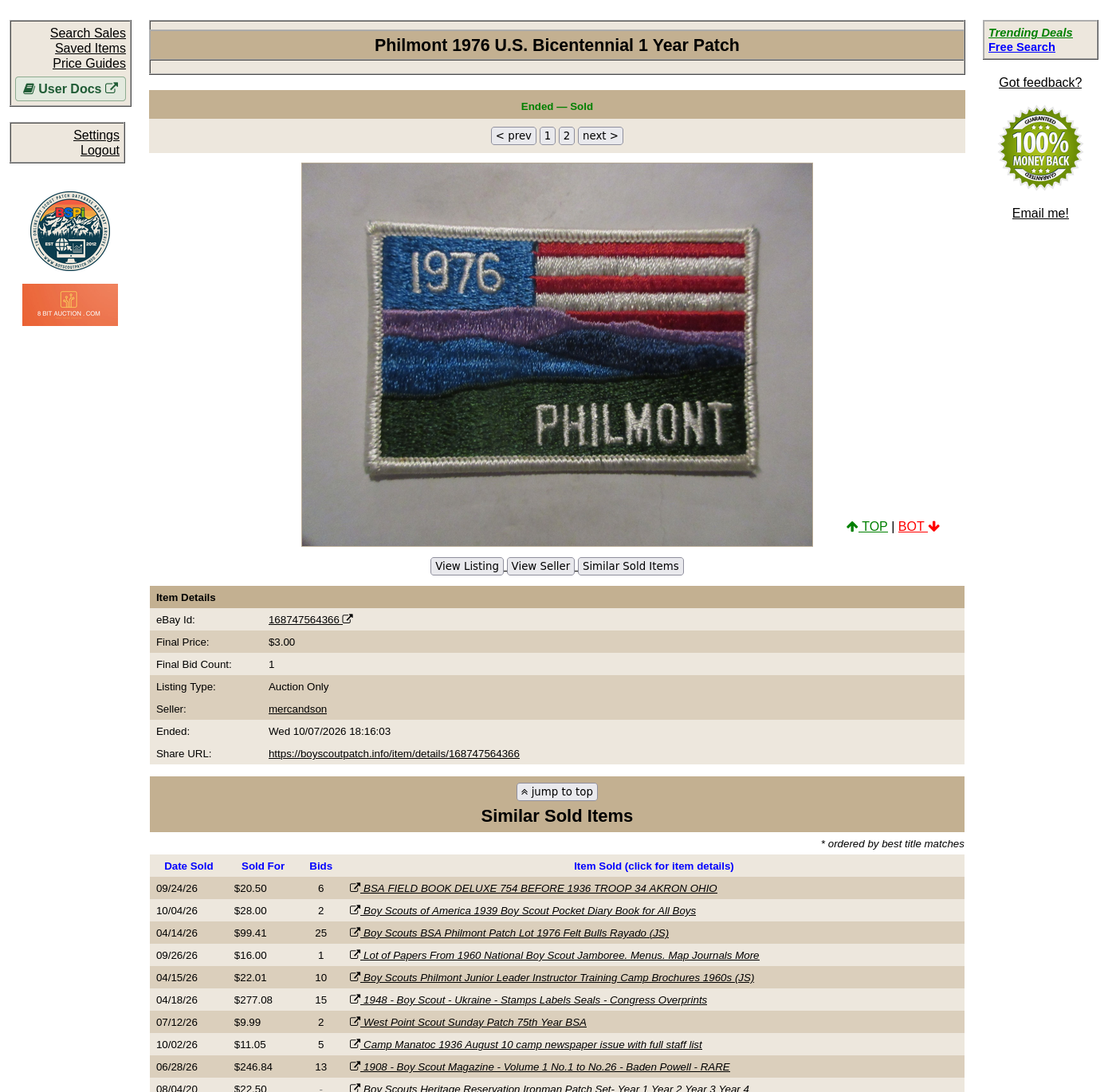
The individual item page helps you inspect what actually sold. Check the photographs and condition before comparing that historical sale with a listing you are considering buying.
Continue below for step-by-step instructions and examples ↓
You have found a Scout collectible for sale and want to check the asking price before buying.
A practical starting workflow
- Identify the exact issue and condition in the current listing.
- Search BSPi for the same item or close comparables.
- Compare realized sale prices, not just other active listings.
- Consider shipping, condition differences, and how old the comparable sales are.
- Decide what you are personally willing to pay; a historical price is not a guarantee.
Interpreting the evidence
Use comparable historical sales rather than treating one record as a definitive current valuation. Check item identity, condition, sale date, and whether the record covers a lot or a single item.
For more precise comparisons, consult search fields and filters. OCR may help discover poorly titled records, but OCR matches require visual verification.
Historical sales are evidence for comparison, not a certified appraisal.
Before making an offer
Identify the listing's exact issue, then search BSPi for the same name or distinctive markings. Open the item records behind promising results and inspect the photographs. Use Refine if you need a narrower period or price range.
Include shipping and the possibility of condition differences in your decision. Do not treat the highest historical sale as the normal market price, and do not assume the site's Similar Sold Items suggestions are all genuine comparables.